
Unlocking the Economic Value of Digital Employee Experience (DEX) Monitoring with UXM

When applications are slow, devices struggle, or connections become unreliable, employees find it harder to complete everyday tasks. Recurring technology problems also consume IT resources and can lead to unnecessary spending when organizations invest without understanding the cause.
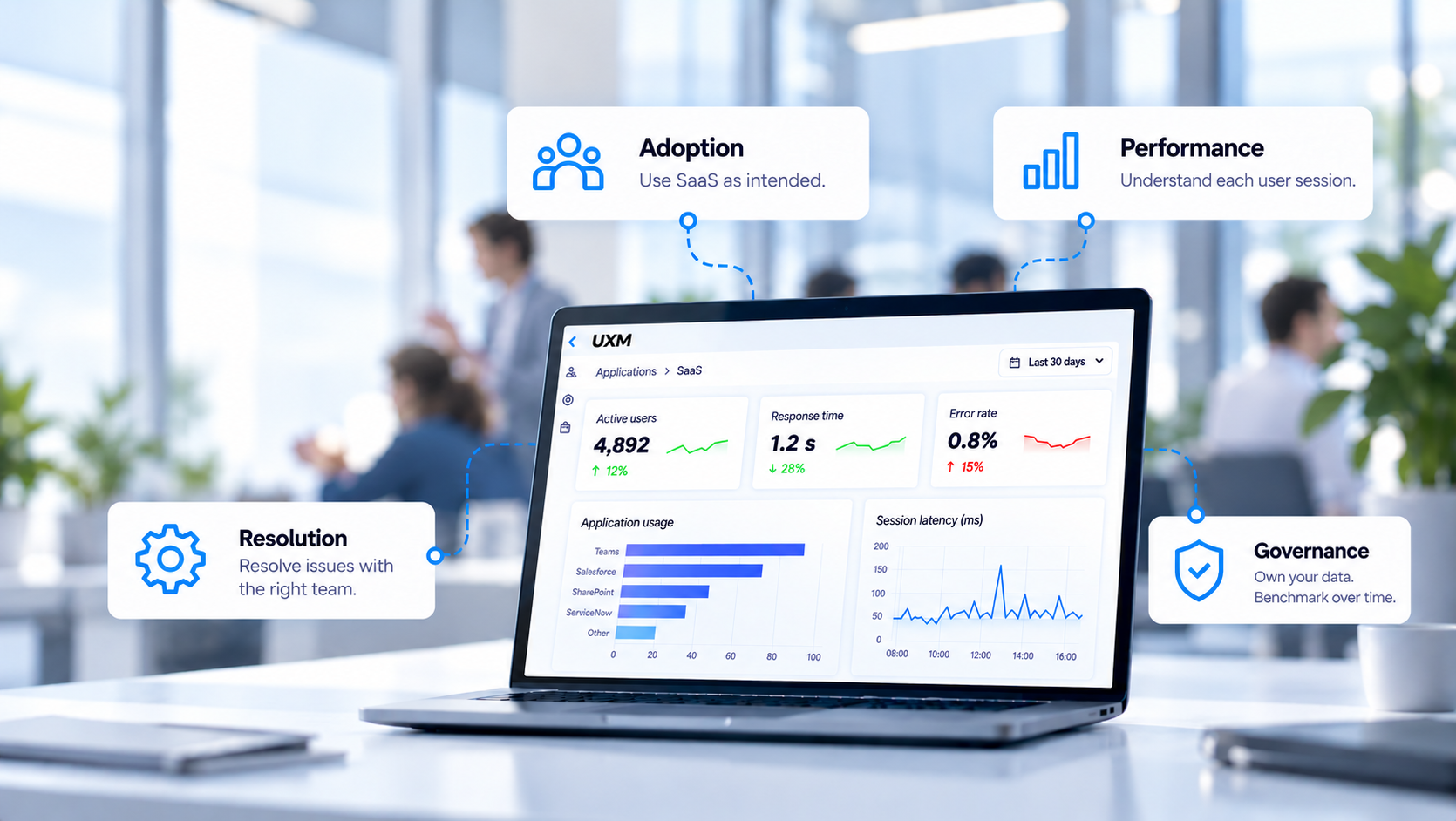
Digital Employee Experience (DEX) monitoring helps IT make more informed decisions. UXM is a digital workplace observability platform that gives organizations real-time visibility into endpoint, application, and network performance, enabling IT teams to proactively improve workflows, make informed investment decisions, and reduce unnecessary costs.
What Is UXM?
UXM combines Digital Employee Experience (DEX) and Digital Experience Monitoring (DEM) capabilities to assess application, endpoint, and network performance from the employee’s perspective.
Its Real User Monitoring (RUM) capabilities cover SaaS and web applications, desktop software, virtual environments, unified communications, and legacy terminal applications. Teams can examine business activities such as opening invoices or searching customer orders alongside endpoint health and network conditions.
UXM consolidates this information in one platform, helping IT identify affected employees, investigate contributing factors, and prioritise action.
How UXM Delivers Economic Value
1. Protects Productivity Through Earlier Detection
Employees do not report every technology problem. Many tolerate delays, restart applications, or use workarounds, leaving recurring disruption outside the service desk’s view.
UXM’s real-user monitoring and configurable alerts help IT identify deteriorating conditions. Synthetic testing adds checks on application and service availability, including outside business hours.
UXM’s friction scoring helps IT identify recurring performance issues and prioritise devices that require attention. Higher scores reflect a better digital experience, while lower scores indicate potential problems.
Hourly reporting shows how widely these problems occur across devices in use and whether they persist over time. This helps IT assess the scale of disruption without treating every affected hour as an hour of lost productivity.
With agreed performance standards and clear responsibility for addressing issues, organisations can focus improvements on the services and workflows that matter most to the business.
2. Reduces Troubleshooting and Support Effort
When an employee reports a slow application, the contributing issue may involve the application, endpoint, or connection. Investigating each area separately can create repeated work and unnecessary handovers.
UXM connects these conditions, so support, application, network, and EUC teams can work from shared evidence. Teams can investigate affected locations, devices, sessions, and transactions to narrow down likely causes.
UXM supports integration with 100+ third-party systems, allowing organizations to connect monitoring insights with their existing IT tools and processes. These integrations help teams exchange relevant data, coordinate responses, and incorporate findings into established support workflows.
These workflows can reduce manual coordination and repeated checks. Resolution time and recurring incident frequency provide practical measures of the resulting improvement.
3. Makes Hardware Investment More Targeted
A slow laptop does not automatically need replacing. Its performance may reflect application behaviour or connectivity, while another device may genuinely lack the resources required for its workload.
UXM’s Endpoint Sizing and Utilization analysis compares actual activity with technical load. It helps identify devices for review, including candidates for reclaiming, downsizing, retaining, or upgrading.
For example, an underused device may be suitable for reassignment, while a frequently used endpoint experiencing sustained resource pressure may warrant an upgrade. These findings give IT a stronger basis for decisions alongside security, support, and business requirements.
The benefit is more focused spending: organisations can direct upgrades where they are needed and investigate opportunities to make better use of equipment already owned.
4. Improves Application Adoption
Purchasing software does not ensure that employees adopt it effectively. Organisations need to understand who uses an application, how regularly they use it, and where additional support may be needed.
UXM has encountered cases where organisations had deployed Microsoft 365 Copilot licences, but usage monitoring revealed limited functionality adoption among employees with access. This exposed a gap between software investment and actual use, highlighting opportunities to improve adoption and review licence allocation.
Across business applications, usage insights help organisations determine whether low adoption calls for employee training, changes to workflows, or a review of licence allocation.
Software that supports critical processes may require additional adoption support, while licences without an operational purpose may be suitable for reassignment or removal. Continued monitoring helps evaluate the effect of these decisions.
5. Reduces Unnecessary Software and Maintenance Costs
Application usage insight also helps organisations review software that is rarely used or no longer required.
Combined with licensing records and input from application owners, UXM’s data supports decisions about licence reassignment, subscription changes, and application removal. An occasionally used tool may still be business-critical, so usage should inform the decision alongside operational requirements.
The opportunity extends beyond licence expenditure. Removing unnecessary installed applications can reduce patching requirements, endpoint complexity, and maintenance effort.
Organisations can assess the benefit through actual licence changes, a smaller application inventory, and reduced maintenance workload.
6. Demonstrates the Value of IT Improvements
After an application update, endpoint upgrade, or network change, IT needs to establish whether the employee experience improved.
UXM’s historical performance data supports comparisons before and after an intervention. Using comparable user groups, working periods, and measurement criteria, teams can assess whether response times improved, errors declined, or fewer active endpoint hours contained friction events.
This gives management evidence of what an investment achieved and helps IT decide whether further action is needed before extending a change.
Key Features That Drive These Benefits
- Real-user monitoring across applications, endpoints, and networks
- Business transaction monitoring and detailed session analysis
- Synthetic testing and configurable alerts
- Endpoint sizing and utilisation analysis
- Application usage and Copilot adoption reporting
- Configurable hourly endpoint friction scoring
- More than 100+ preconfigured dashboards, reports, and alerts
- SaaS or on-premises deployment, with support for environments exceeding 100,000+ endpoints
- Splunk-native capabilities and integrations with platforms such as ServiceNow
- A lightweight endpoint agent supporting Windows, macOS, Linux, and Dell Wyse environments
Who Is UXM For?
UXM supports IT leaders, service desk teams, application specialists, infrastructure teams, and EUC professionals responsible for digital workplace performance.
It provides evidence for investigating recurring problems, reviewing technology expenditure, supporting adoption, and evaluating changes across the organisation.
From Insight to Action
Whether the priority is resolving recurring disruption, improving software adoption, or reviewing hardware expenditure, IT teams need reliable evidence to determine where action will deliver value.
UXM helps establish that basis by connecting technology performance and usage with the decisions organisations face.
This value can become apparent during the initial evaluation. A Head of EUC at an organisation with 8,000 endpoints described how insights from a UXM proof of concept were already informing decisions:
“The solution delivered clear, reliable insights even under PoC and conservative assumptions. The data was spot on and has already been used to drive decisions.”
Head of EUC, organisation with 10,000 endpoints
Start with a defined problem, establish a baseline, and agree how success will be measured. Reduced expenditure, released IT capacity, and improved employee experience are distinct benefits. Assessing them separately helps build a credible business case.
More from the Blog
TURN INSIGHTS INTO ACTION
See UXM in action
UXM brings performance, health, and usage data together so you can make confident decisions across your digital workplace.
Fast deployment
•Real-world data
•Confident decisions